🏀 Basketball Quiz
We're here
to help you
Have a question or need help with Hoops Trivia? Find answers below or reach out directly.
Have a question or need help with Hoops Trivia? Find answers below or reach out directly.
Having trouble with the app or have a question? Send us an email and we'll respond within 24–48 hours.
Send EmailHoops Trivia uses the standard Apple End User License Agreement for all users.
View Terms of Use ↗Learn how Hoops Trivia collects, uses, and protects your personal data.
View Privacy Policy ↗Download Hoops Trivia on the App Store and start testing your basketball knowledge today.
Download App ↗Clear photos, popular players. Get into the rhythm and rack up points.
More players, sharper questions, faster pace. Step up the challenge.
Stars from every team, deeper rosters, tougher choices.
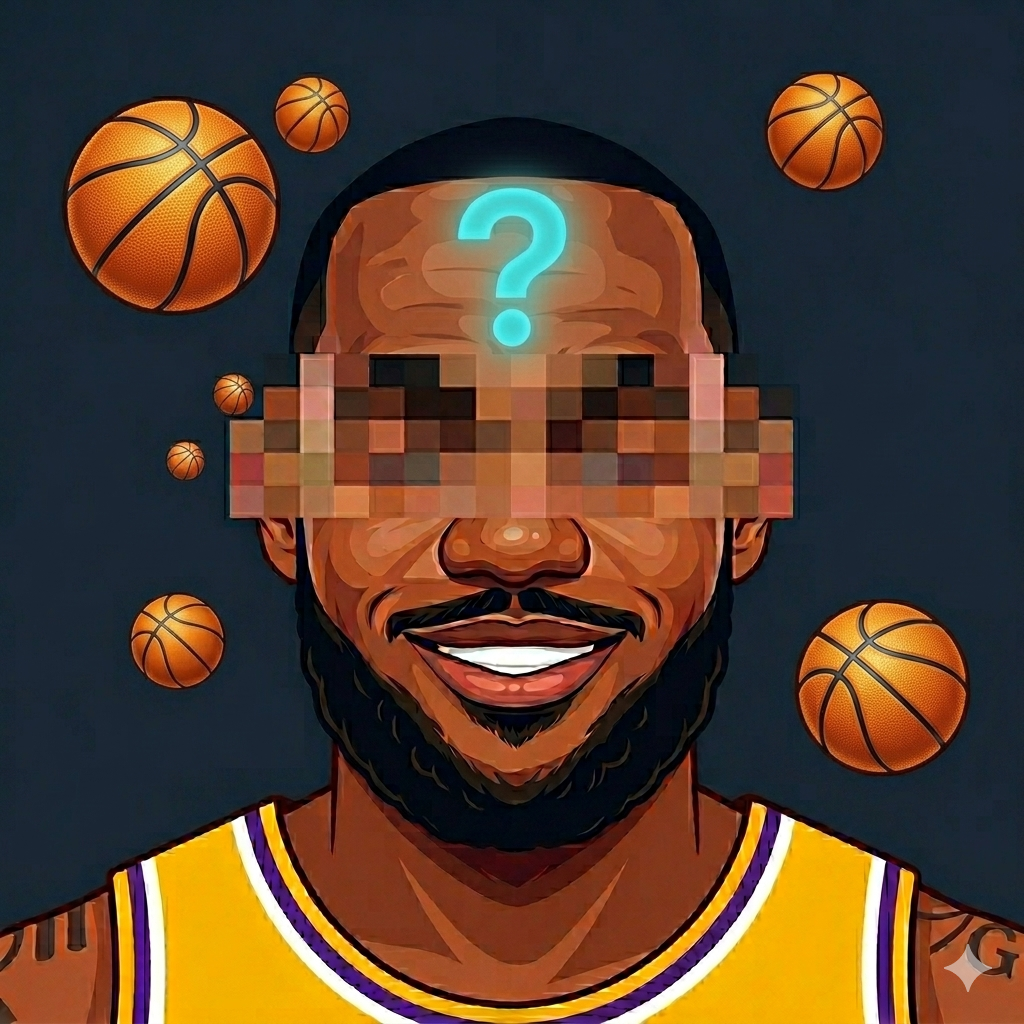
Faces start getting pixelated. Can you still recognize your favorites?
Heavily pixelated photos. Only true basketball encyclopedias survive.
Guess players by the team they belong to. Test your roster knowledge.
Hundreds of PlayersFrom NBA superstars to historic legends across all teams.
Multiple ChoiceEasy to play, hard to master — pick the right name fast.
Pixelated ChallengeHarder modes blur the face — true fans see through the pixels.
Score TrackingHigh score and personal record tracking for endless competition.
6 ModesEndless replayability across all skill levels and formats.
Free to PlayRegular updates with new players added all the time.
Look at the player's photo, then pick the correct name from three multiple-choice options. On harder levels the face is pixelated, so you'll need to rely on clues like the jersey, build, and team colors.
In Hard Mode faces are partially pixelated. In Super Hard (Legend Mode) the pixelation is heavy — only players with deep NBA knowledge will recognize the stars from the blur.
You earn points for each correct answer. The game tracks both your current score and your all-time personal record, so you can always try to beat your best.
No. This app is not affiliated with, endorsed by, or sponsored by the NBA or any of its teams.
Email us at aicaloriescounter@gmail.com and we'll get back to you quickly.